Your launch monitor knows the shot.
GolfSalt learns the golfer.
Bring your sessions into a coaching relationship that connects your rounds, practice, bag, goals, and history—then helps you decide what to do next.
Context changes the answer
A recommendation grounded in more than one upload.
Rounds + practice + equipment + goals + history.
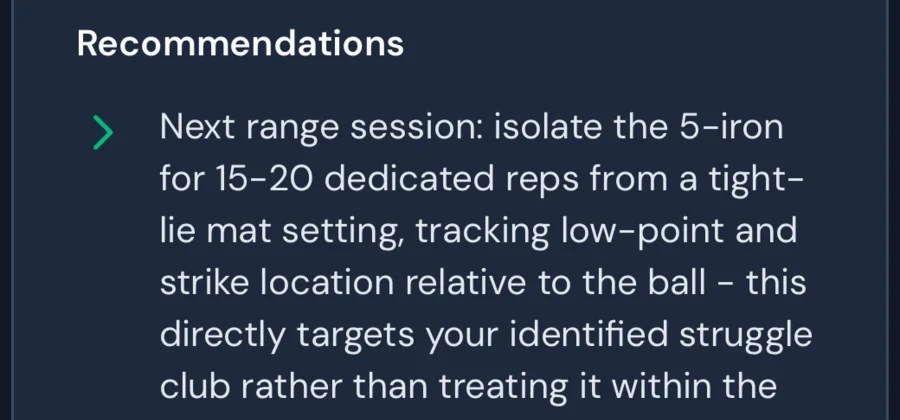
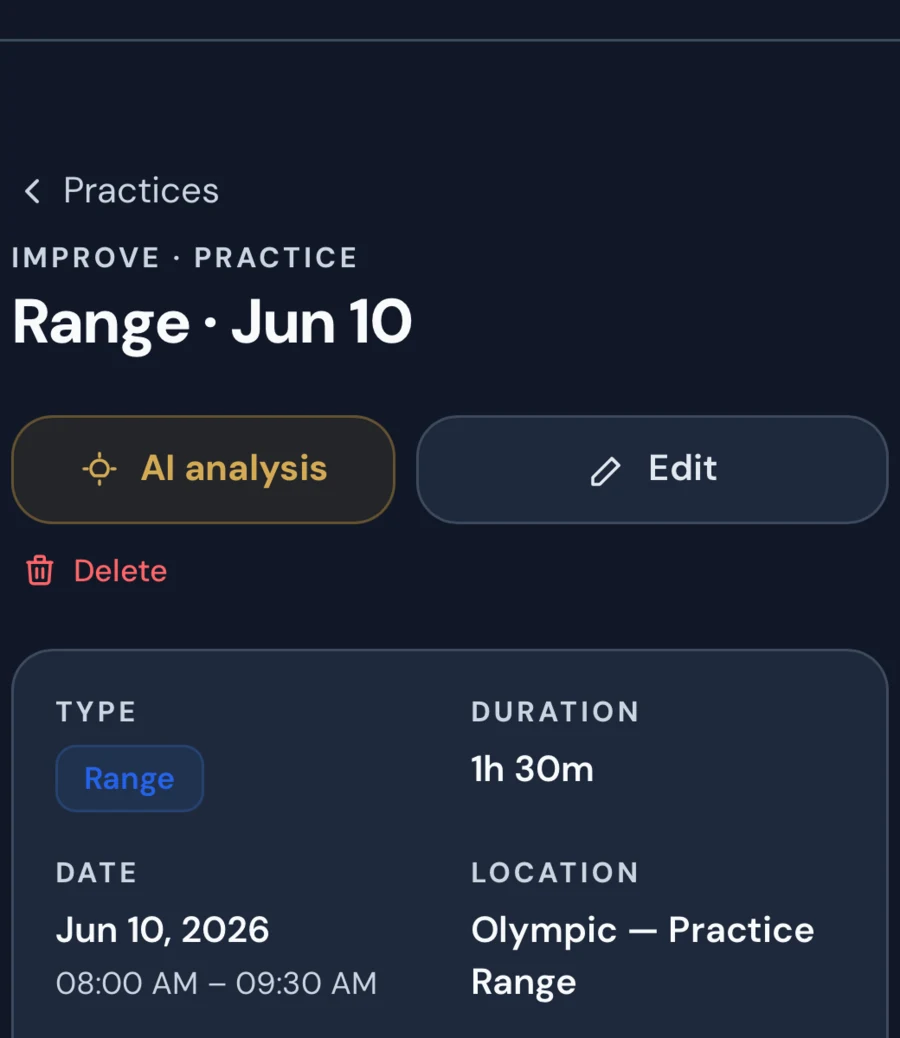
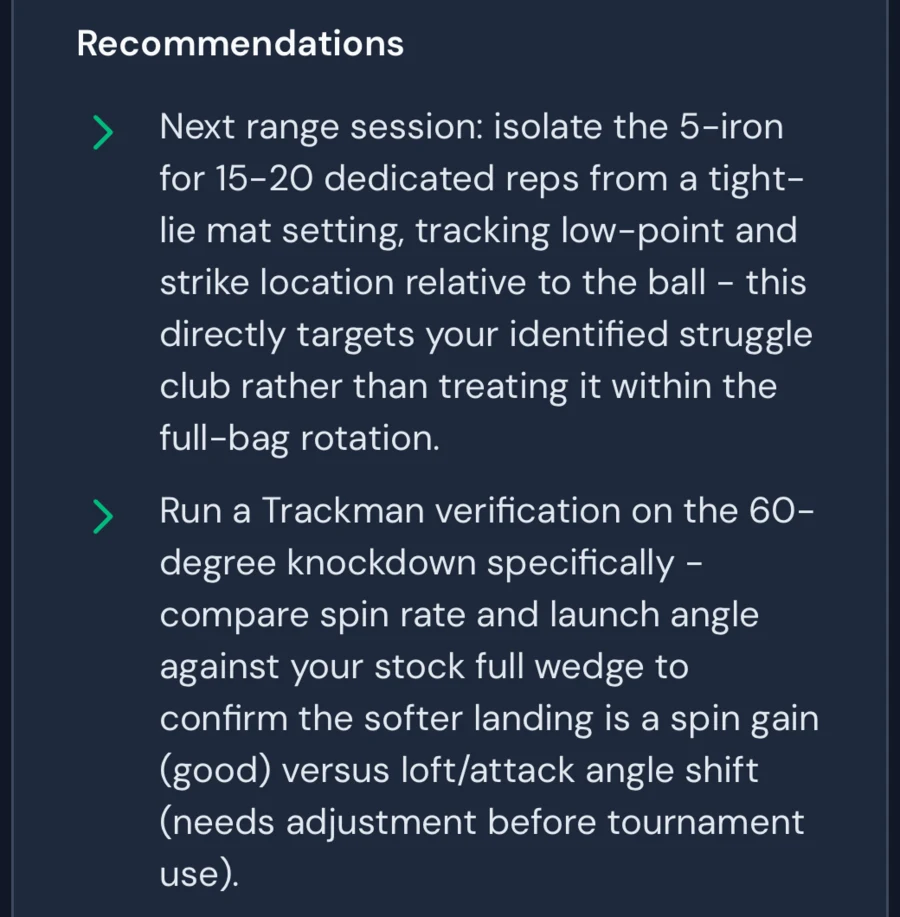
First 30 days free, then $50/month · cancel or pause anytime
Start your 30-day trial on the web with no card. Use the same account in the iPhone and Android apps. The trial ends without a charge; continue only if you choose a paid membership.
Not a free CSV report. Start the complete coaching relationship and add your game at your pace.
What the data can say
What happened in this session.
Ball speed, launch, spin, carry, side. Accurate evidence about these shots, on this day, under these conditions.
What coaching must decide
What matters for this golfer now.
Whether the change is a pattern, how it relates to rounds and equipment, which goal it affects, and whether it deserves the next hour of practice.
Bring what you already export
Nine formats, auto-detected from the file itself. You don’t pick your device from a dropdown — you upload the export and it works out what it is.
Rapsodo
MLM2PRO CSV export
Garmin
Approach R-series JSON export
TrackMan
TPS session CSV
FlightScope
Mevo and Mevo+ stats CSV
SkyTrak
SkyTrak / SkyGolf CSV
Foresight
FSX, GC3, GCQuad, Launch Pro
GSPro
Simulator session export
Awesome Golf
Session CSV export
Generic CSV
Anything else with sane column headers
And when the export is awkward: hand it a screenshot of the session summary instead and it will read the stats off the image. Nobody should be retyping forty rows into a form.
Brand names are used to identify file formats we read. GolfSalt has no partnership with, and no endorsement from, any launch monitor manufacturer, and we make no claims about how accurate any device’s numbers are. We read what your device gives you.
The same number can lead to a different decision
A carry change could be noise, a strike pattern, an equipment change, fatigue, or the beginning of a trend. A generic analysis can list those possibilities. Coaching has to decide which possibility deserves attention for this golfer.
GolfSalt keeps the practice beside the rounds, bag, goals, and earlier conversations. That context can also show when the best recommendation is to leave a good result alone and work on the part of the game that is actually costing the golfer.
Illustrative coaching context
New evidence. The 8-iron carried eight yards shorter in this session.
Existing context. The prior three sessions were stable, the golfer changed range balls, and recent rounds show approach play holding while penalties off the tee remain the largest scoring cost.
The decision. Record the change, verify it with normal equipment next time, and keep the current practice priority on driver start line rather than rebuilding an iron swing from one session.
Illustrative example. More context can support more specific coaching; it does not guarantee an answer.
First 30 days free, then $50/month · cancel or pause anytime
Start your 30-day trial on the web with no card. Use the same account in the iPhone and Android apps. The trial ends without a charge; continue only if you choose a paid membership.
One continuing coaching loop
New evidence joins what your coach already knows, informs one decision, and returns to the course or practice tee.
Play
Rounds show what the game actually asks and where shots are being gained or lost.
Practise
Sessions add controlled evidence, including launch-monitor data, notes, and optional video.
Review
Your coach connects the new evidence with your goals, equipment, and history.
Improve
Choose the next action, then bring the result back into the continuing loop.
The off-season is the whole opportunity
You have five months, a bay, and no scorecard to hide behind. Most of that time gets spent hitting drivers at a screen and arrives in April as nothing. The difference between winter work that transfers and winter work that doesn’t is whether it was aimed at something your rounds actually exposed.
November
Last season’s rounds go in. The coach names the two or three things that actually cost you strokes, and the winter has a subject.
December – March
Every session imports and gets read. The plan moves as the numbers move, and the record accumulates instead of scrolling away.
April
First real round back gets analysed against all of it. You find out what held outdoors — which is the only test that ever counted.
The question that has no good answer inside a launch monitor app:
I'd like your thoughts on this set of data from a few 8-irons yesterday. I've lost 10-20 yards on my irons these past couple of weeks and can't figure out why.
A launch monitor owner on MyGolfSpy
You are not a niche
Indoor golf stopped being a workaround some time ago.
9M+
simulator players in the US
NGF, 2025
$250–$1,100
already spent per year on simulator software
FT / GolfSimulatorSource, 2026
+58%
year-over-year growth in virtual rounds among Garmin app users
Garmin, 2025
$499–$1,099
entry price range for consumer launch monitors
Manufacturer pricing, 2026
The fair questions
“My launch monitor app already has analytics.”
It reports. It doesn't decide what you should do on Thursday, and it can't see your rounds. Those are the two things that turn a session into improvement.
“Will it read my vendor's export?”
Nine formats are read directly and detected automatically, with a generic CSV path behind them and screenshot parsing when an export is awkward. If yours genuinely doesn't fit, tell us — that's a bug worth fixing, not a limitation to argue about.
“Do I have to change how I practise?”
No. Export the way you already export. The change is what happens after — the session gets read, and the next one has a reason.
Where the numbers stop
We read what your device reports. If your unit is placed badly, or the numbers it produces drift from what the ball actually did, we inherit that — we don’t correct it and we won’t pretend to.
Mat work is mat work. Sessions indoors are excellent evidence about gapping, contact and repetition, and weak evidence about lies, wind, and what your hands do on the 16th tee with a card going.
And the coaching gets sharper when round data sits next to the shot data. A launch monitor on its own tells us how you hit it. Your scorecard tells us what it cost.
Common questions
Straight answers about imports, formats, and what happens after.
What should I do with my launch monitor data?
Make it one part of the golfer's story. On its own, a launch monitor reports what happened — carry, ball speed, spin, dispersion. GolfSalt brings that evidence together with other sessions, rounds, equipment, goals, and coaching history before helping decide what deserves attention next.
Which launch monitors does GolfSalt support?
GolfSalt reads exports from Rapsodo, Garmin, TrackMan, FlightScope (including Mevo and Mevo+), SkyTrak, Foresight (FSX, GC3, GCQuad, Launch Pro), GSPro and Awesome Golf, plus a generic CSV path for anything else with sensible column headers. The format is auto-detected from the file, so in practice you export and upload. When an export is awkward, you can hand it a screenshot of the session stats instead.
My launch monitor app already has analytics. Why add this?
Because reporting and coaching are different jobs. Your vendor's app is very good at showing you the numbers from the session you just hit. GolfSalt builds a continuing picture from your rounds, goals, equipment, practice, and history so the next recommendation is about your game rather than an isolated export.
How do I make winter practice actually transfer to spring?
By practising against a question rather than a number. Sessions that chase peak ball speed tend not to survive contact with a real course. GolfSalt sets the winter work against the gaps your rounds exposed last season — the carry numbers you actually need, the club that keeps costing you strokes — and keeps a record so that in April you can see what held and what did not.
Does GolfSalt work with a home simulator?
Yes. Simulator session exports import the same way as range sessions, and GSPro and Awesome Golf formats are read directly. Simulator rounds are practice data rather than course data, and the coaching treats them that way — useful for gapping and repetition, weaker evidence about how you'll play under pressure outdoors.
Keep reading
Related pages, if this is only half your situation.
Reading for golfers with a launch monitor
You have the numbers. These are the decisions the numbers are for.
Golf Mat Practice: The Lie Your Range Mat Tells You (And How to Stop Believing It)
Golf mats forgive fat shots and inflate your distances — but they're still one of the best tools you have. Learn exactly what mats hide, which clubs are most affected, and the simple drills that make mat practice actually transfer to the course.

Golf Simulator Practice: How to Make Indoor Golf Transfer to the Course
Your simulator is honest about start line, speed and gapping, and generous about lies, turf, greens and second balls. Here's how to practise indoors so it shows up on the course, and when a focused session beats just playing a round.
How to Build a Bag That Actually Fits Your Game: A Data-Driven Guide to Optimizing Your 14 Clubs
Wedges or woods? Three wedges or four? Long irons or hybrids? Most amateur bags are accidents, not designs. Here's the data-driven framework for building a 14-club bag that fits the golfer you actually are — with tighter gaps where you score and fewer clubs you can't hit.
Build a coach that knows your game
Start the complete GolfSalt trial. Add your goals, rounds, practice, and equipment at your pace; your coach learns with you.
Starts with 30 days free
Start your 30-day trial on the web with no card. Use the same account in the iPhone and Android apps. The trial ends without a charge; continue only if you choose a paid membership.
© 2026 GolfSaltAI. Comprehensive golf coaching.
